When leads and customers get created
EezieLead turns conversations into leads for you automatically, no forms, no manual data entry. Because this happens in the background, this page spells out exactly when and how, so it never feels like the app is making silent decisions.
A conversation starts the moment someone messages
The first time a new number messages your WhatsApp, EezieLead opens a conversation for them and logs every message. Nothing is created for you to manage yet. It's just capturing the chat.
A lead is built when the conversation settles
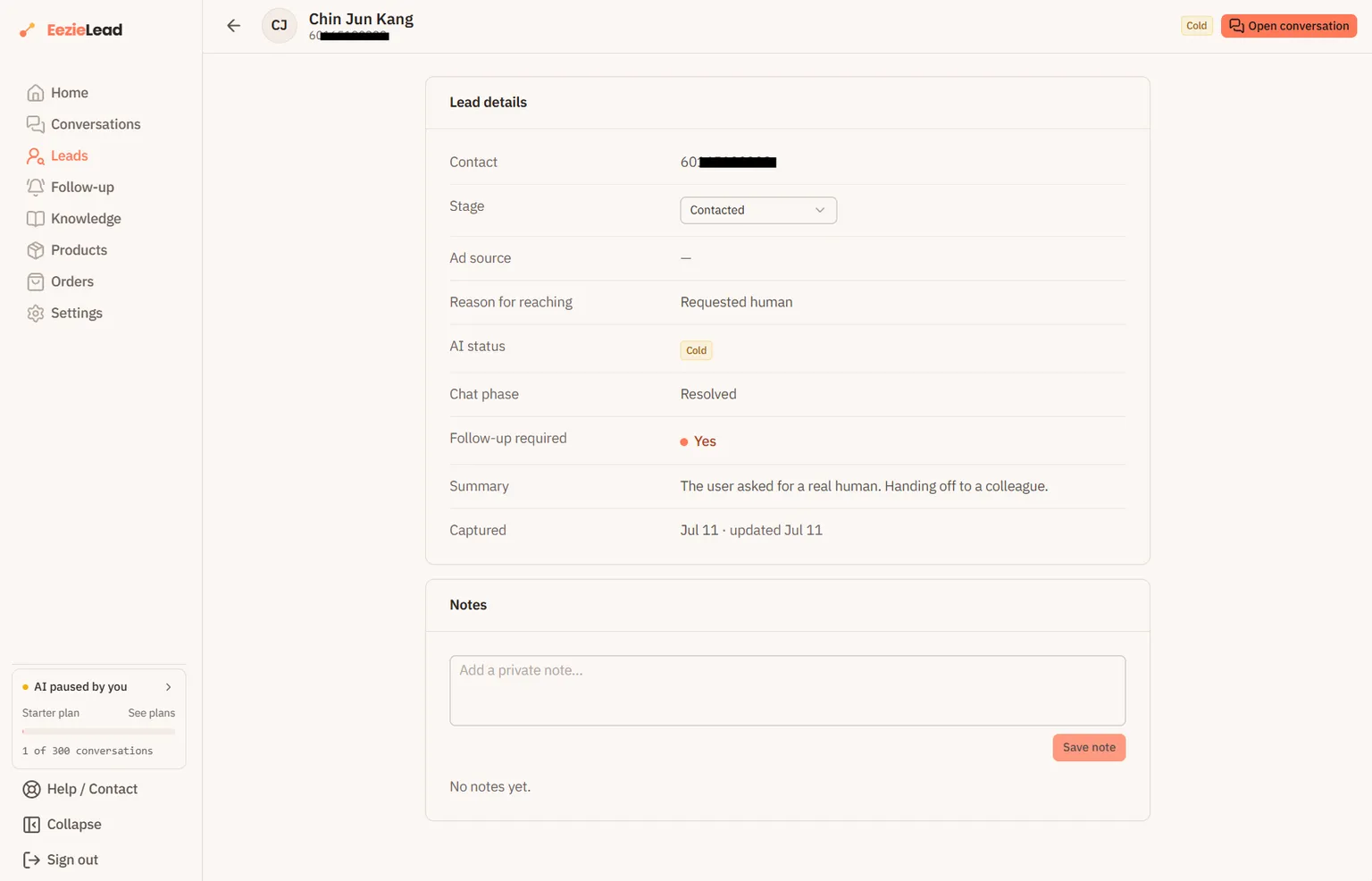
Each lead pulls the useful details out of the chat for you, including:
- What they wanted. The reason they reached out.
- How they found you. The channel they came through, when it's mentioned. This is a short fixed list rather than free text, so your leads group properly instead of splitting across a dozen spellings of the same thing.
- A short summary of the conversation.
- A status. The AI's read on where they got to: still in conversation, converted, deciding, or gone cold.
- Whether a follow-up is worth it.
Reading a conversation costs a credit
Building a lead means an AI reads the whole conversation, so it draws on your plan's AI conversation allowance in the same way a reply does. A conversation counts once per month no matter how much happens in it, so if the AI already answered in that chat, its lead is free.
Where you notice this is a chat the AI never touched, one you handled yourself after taking over, or every chat if you have switched the AI off. Those cost a credit each when their lead gets built.
What "customer" means here
There isn't a separate "customer" record to create. A customer is simply a lead whose status is Converted. The AI sets a first guess from the conversation, and you can change any lead's Stage yourself, New, Contacted, Qualified, Won, or Lost, on the Leads page. Your changes always win over the AI's guess.